

Download Google Home – Chromecast, streaming, wireless casting, media player, smart TV, Google Assistant, screen sharing, content casting, 1080p, HD, PC software, desktop application
Overview
The Google Home application is a desktop utility designed to enable wireless casting of media content from smartphones, tablets, and computers to compatible televisions and speakers. It serves as a central hub for streaming videos, music, and photos across devices, eliminating the need for physical cables or complex setups. The app is particularly useful for users seeking a seamless way to enjoy digital content on larger screens, whether for personal entertainment or professional presentations.
Target users include consumers looking to enhance their home entertainment experience, as well as professionals who require reliable screen-sharing capabilities during meetings or collaborative sessions. The software integrates with the Chromecast ecosystem, requiring a compatible Chromecast device to function. Once connected, users can stream content from supported platforms such as YouTube, Netflix, and Spotify, as well as cast directly from web browsers and local files.
Developed by Google LLC, the application aligns with the company’s broader strategy of unifying smart home and media experiences. It supports cross-platform operation across Windows, Mac, and Android, allowing users to maintain continuity when switching between devices. Real-world use cases include watching movies on a TV from a laptop, sharing a presentation during a business meeting, or playing music from a phone through a home audio system.
Key Features & Capabilities
- Wireless Media Casting: Enables instant streaming of videos, music, and photos from compatible devices to a TV or speaker via a Chromecast device.
- Multi-Platform Support: Functions across Windows, Mac, and Android, ensuring consistent access regardless of the user’s primary device.
- Screen Sharing: Allows users to mirror their device screen directly to a television, ideal for presentations or collaborative viewing.
- Integration with Streaming Services: Supports casting from major platforms including YouTube, Netflix, and Spotify, expanding content accessibility.
- Google Assistant Compatibility: Enables voice-controlled casting and playback, enhancing hands-free operation.
- Personalized Recommendations: Offers curated content suggestions based on user preferences, helping discover new shows, movies, and clips.
These features streamline the process of content delivery, reducing setup time and improving user convenience. For instance, a user can begin watching a YouTube video on their phone and seamlessly transfer playback to their TV with a single tap. In professional environments, the screen-sharing function eliminates the need for projectors or HDMI cables, simplifying meeting workflows. The app’s ability to maintain a continuous cast across devices also supports flexible viewing habits, allowing users to switch between a laptop and tablet without interruption.
User Interface, Workflow & Performance
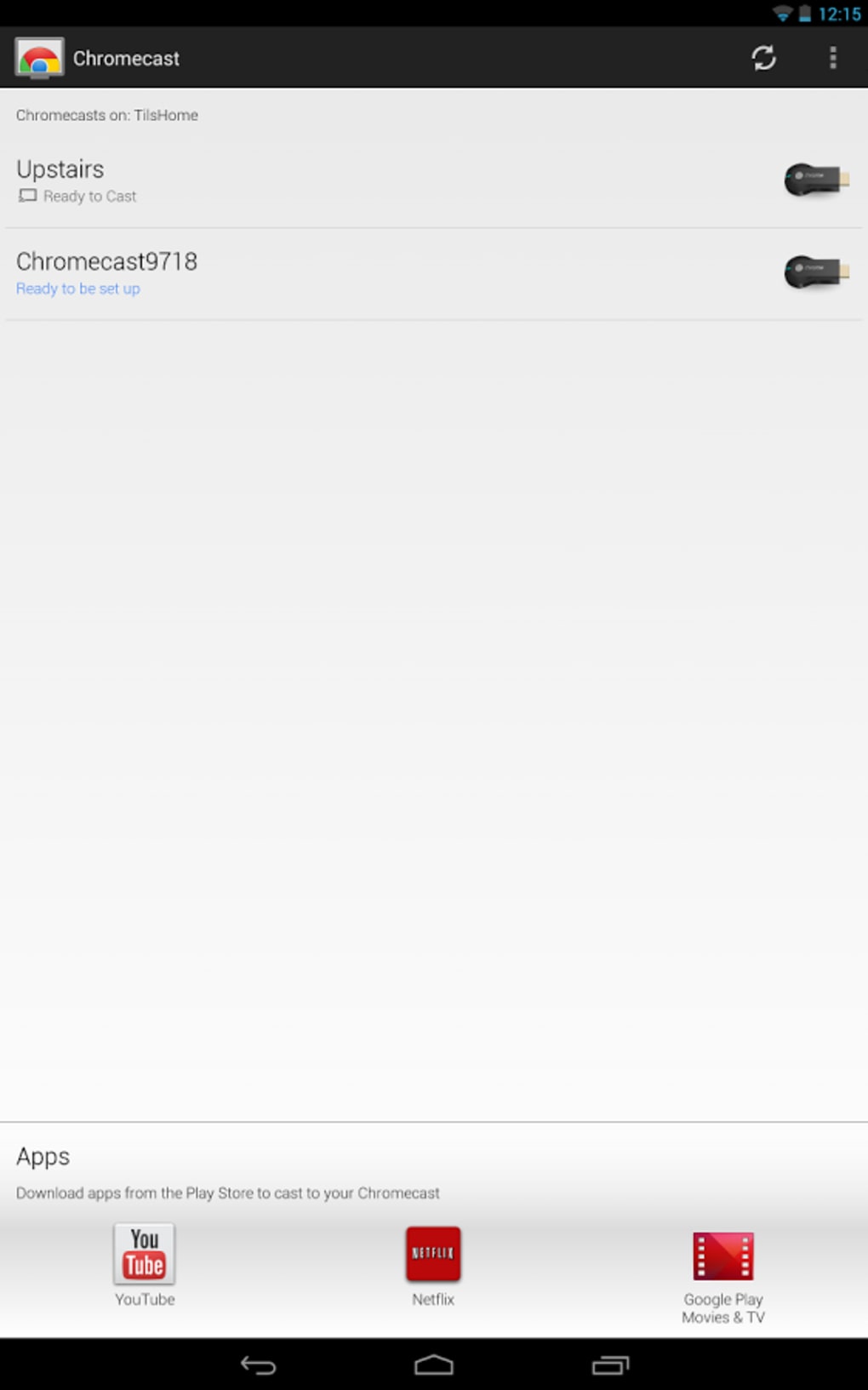
The Google Home application features a clean, intuitive interface optimized for quick access to casting functions. Navigation is straightforward, with primary controls centered around device discovery, content selection, and playback management. The layout emphasizes usability, minimizing the learning curve for new users.
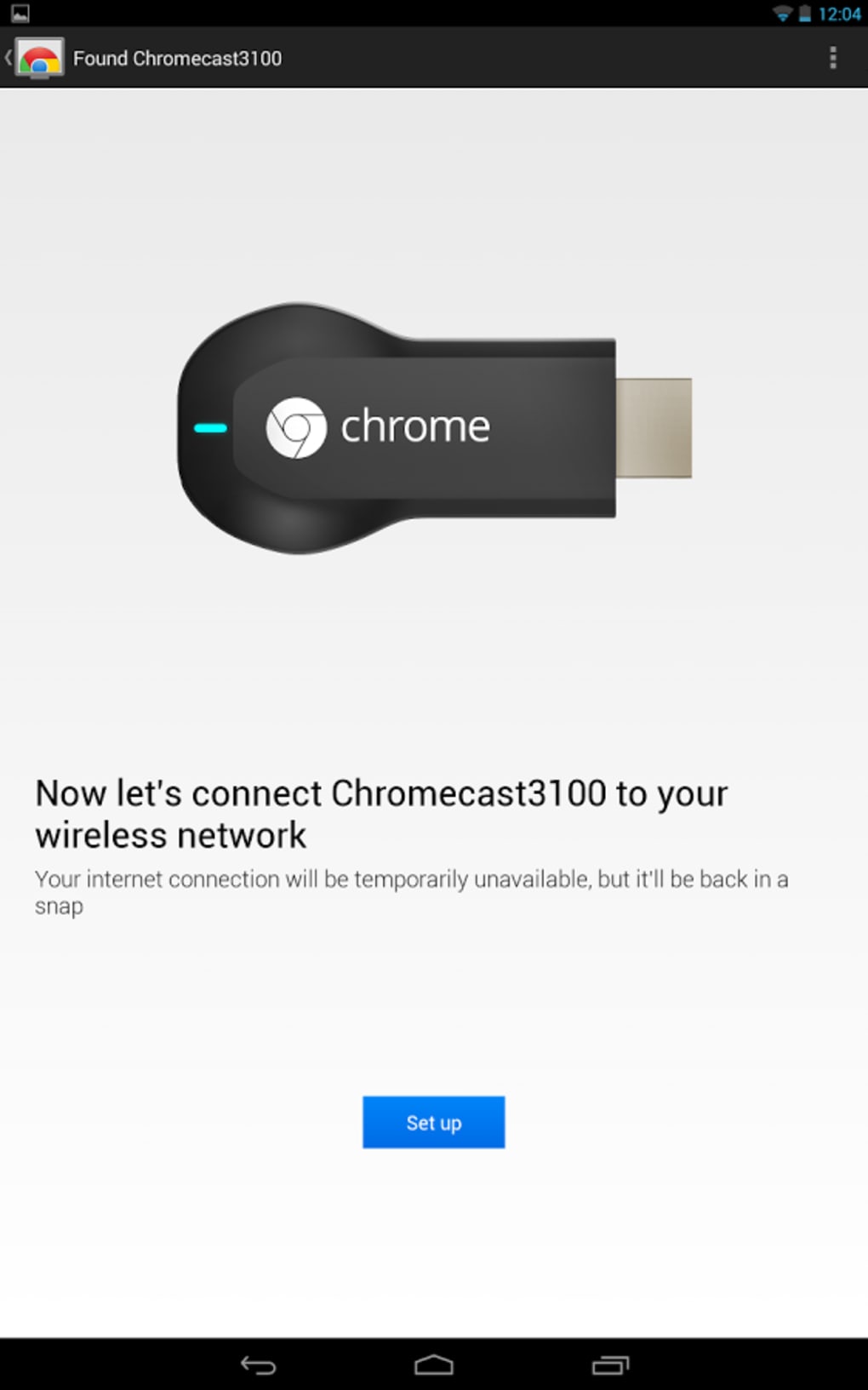
Workflow efficiency is enhanced by the app’s integration with Google Assistant and automatic device detection. Once a Chromecast device is connected to the network, it typically appears in the app’s device list without manual configuration. Users can initiate casting with minimal steps, often requiring only a tap or voice command.
Performance details were not specified by the developer. However, based on general software behavior patterns, the application is expected to operate smoothly on modern systems with stable internet connectivity. The developer did not provide additional system requirements or resource usage data. Stability during extended casting sessions has not been independently verified, but the app’s design suggests a focus on reliability and low-latency playback.
Compatibility & System Requirements
Google Home is compatible with Windows, Mac, and Android operating systems. The application is available in version 1.0.1 and has a file size of 25.4 MB. This lightweight footprint makes it suitable for installation on a wide range of desktop and mobile devices.
Exact system requirements were not listed. The developer did not specify minimum CPU, RAM, or storage thresholds. Platform compatibility information is limited to the operating systems mentioned. Users should ensure their devices are running a supported OS version and have a stable Wi-Fi connection to enable casting functionality.
It is important to note that the app requires a compatible Chromecast device to function. Without such hardware, the software cannot perform its core functions. The device must be connected to the same network as the casting source for proper operation.
Pros and Cons
Pros
- Free to download and use with no hidden costs
- Seamless integration with popular streaming platforms
- Supports cross-device casting across Windows, Mac, and Android
- Intuitive interface with minimal setup time
- Enables voice control via Google Assistant
- Offers personalized content recommendations
Cons
- Requires a separate Chromecast hardware device to function
- Exact system requirements were not specified
- Performance under heavy load or low bandwidth was not detailed
- Limited functionality on unsupported devices
- Dependent on stable Wi-Fi for consistent casting
FAQ Section
Is Google Home compatible with all smart TVs?
Google Home works with smart TVs that support Chromecast functionality. Not all smart TVs are compatible, so users should verify their TV model’s support for Chromecast before use.
Is the app safe to download and use?
Yes, Google Home is a secure application developed by Google LLC. It is available for download through official channels such as the Google Play Store and Apple App Store.
Does Google Home require an internet connection?
Yes, an active internet connection is required to stream content and use casting features. The app also needs access to the same Wi-Fi network as the Chromecast device.
Can I use Google Home offline?
Offline use is limited. While the app itself may launch without internet, casting content requires an active connection to stream media or access online services.
Is Google Home free to use?
Yes, the Google Home application is free to download and use. There are no subscription fees or in-app purchases required for core casting functionality.
Final Thoughts
Google Home delivers a reliable and user-friendly solution for wireless media casting, making it a valuable tool for both home and professional environments. Its ability to connect devices across platforms, support a wide range of streaming services, and integrate with Google Assistant enhances its practicality. While the app depends on external hardware, its free access and seamless performance make it a top choice for users seeking a modern, cable-free viewing experience.
For individuals and teams looking to simplify content sharing and enjoy high-quality streaming, Google Home stands out as a must-have PC software. Its intuitive design, cross-device compatibility, and strong ecosystem integration provide a compelling reason to adopt.
Download Google Home now





.png)

